
Model Vista Create Web
Model Vista Create Web 1.0.0 is an application for adding Model Vista States to a GLB or FBX model in a browser. Import one model, create options, preview them, and download a .glb containing the INNOWORKS_configurables extension.
Files are processed on your device. No account or model-upload service is required for authoring. Download the exported GLB+ to keep a portable copy.
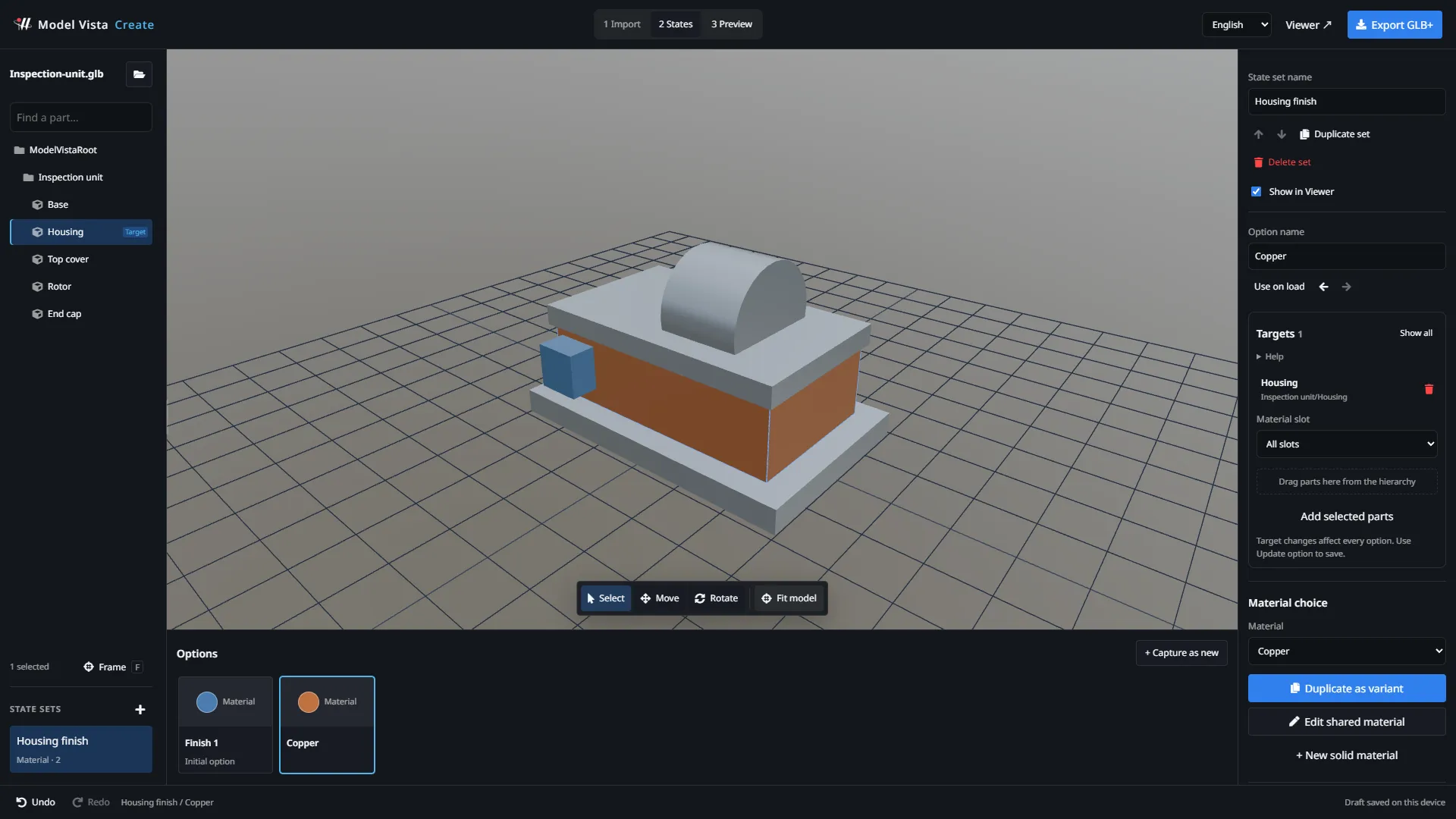
Begin authoring
Section titled “Begin authoring”- Open Model Vista Create.
- Use a desktop or laptop with a mouse or trackpad.
- Select Import GLB / FBX, or Try a sample model.
- Follow Quick start to add an interactive finish.
- Use 3 Preview to test your options, then Export GLB+ to download.
The authoring address is unlisted and asks search engines not to index it. Anyone with the direct URL can access it; the URL is not an access-control mechanism.
Guide contents
Section titled “Guide contents”- Quick start
- Import GLB or FBX
- Workspace and navigation
- Create States and edit targets
- Visibility and Transform options
- Save camera views
- Create material variants
- Animation and Group presets
- Preview and export
- Drafts and undo/redo
- Compatibility and troubleshooting
Phones and tablets are not supported for authoring yet. The desktop recommendation does not block import or preview, but touch navigation does not imply a supported mobile editing layout.
Model Vista is an INNOWORKS product.