
Preview and export GLB+
Check the playback controls
Section titled “Check the playback controls”- Commit pending inspector edits with Update option.
- Open 3 Preview.
- Apply each visible State option and check its targets.
- Check Groups, animations, camera changes, and transitions.
- Select Reset to initial options to verify the startup configuration.
- Return to 2 States to make corrections.
Show in Viewer controls whether a set appears in playback controls. Use on load chooses its initial option. Newly created sets can remain unapplied while authoring; clicking an option previews it.
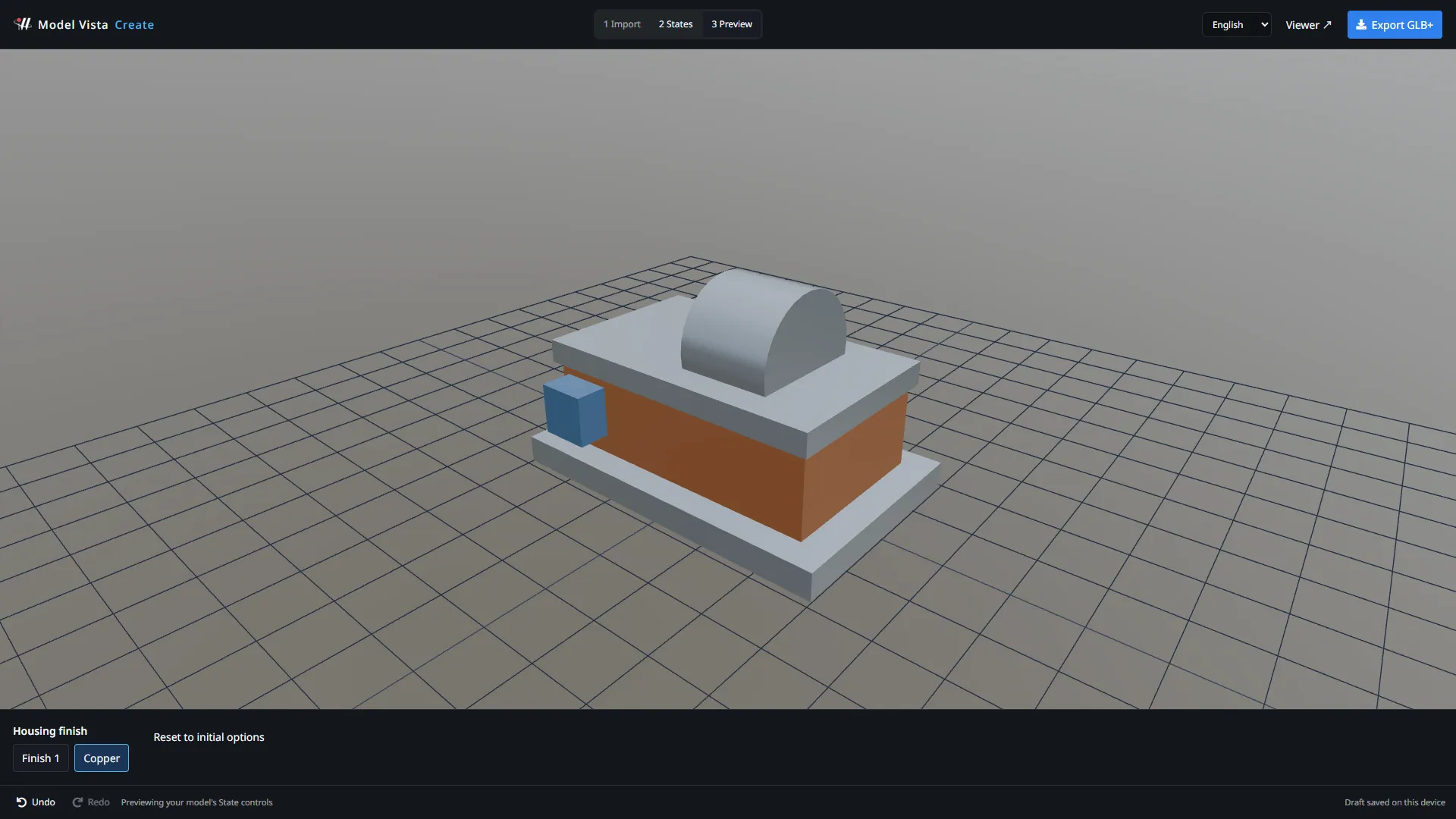
Preview uses the bundled Viewer environment and the rendering preferences saved on this device when Create opens. Without saved preferences, the environment defaults to Cannon Exterior. A custom library HDR falls back to the bundled environment; the viewport caption identifies the active HDR and any fallback.
This lighting is for preview and does not change the exported model. Viewer postprocessing and shadows can affect its appearance. Check newly authored files in the intended playback application before delivery.
Download the model
Section titled “Download the model”- Select Export GLB+.
- Wait for validation and reopening with the shared State runtime.
- Review warnings and the reported State and option counts.
- Enter a filename.
- Select Download .glb.
- Keep the downloaded file and verify that it reopens with the expected States.
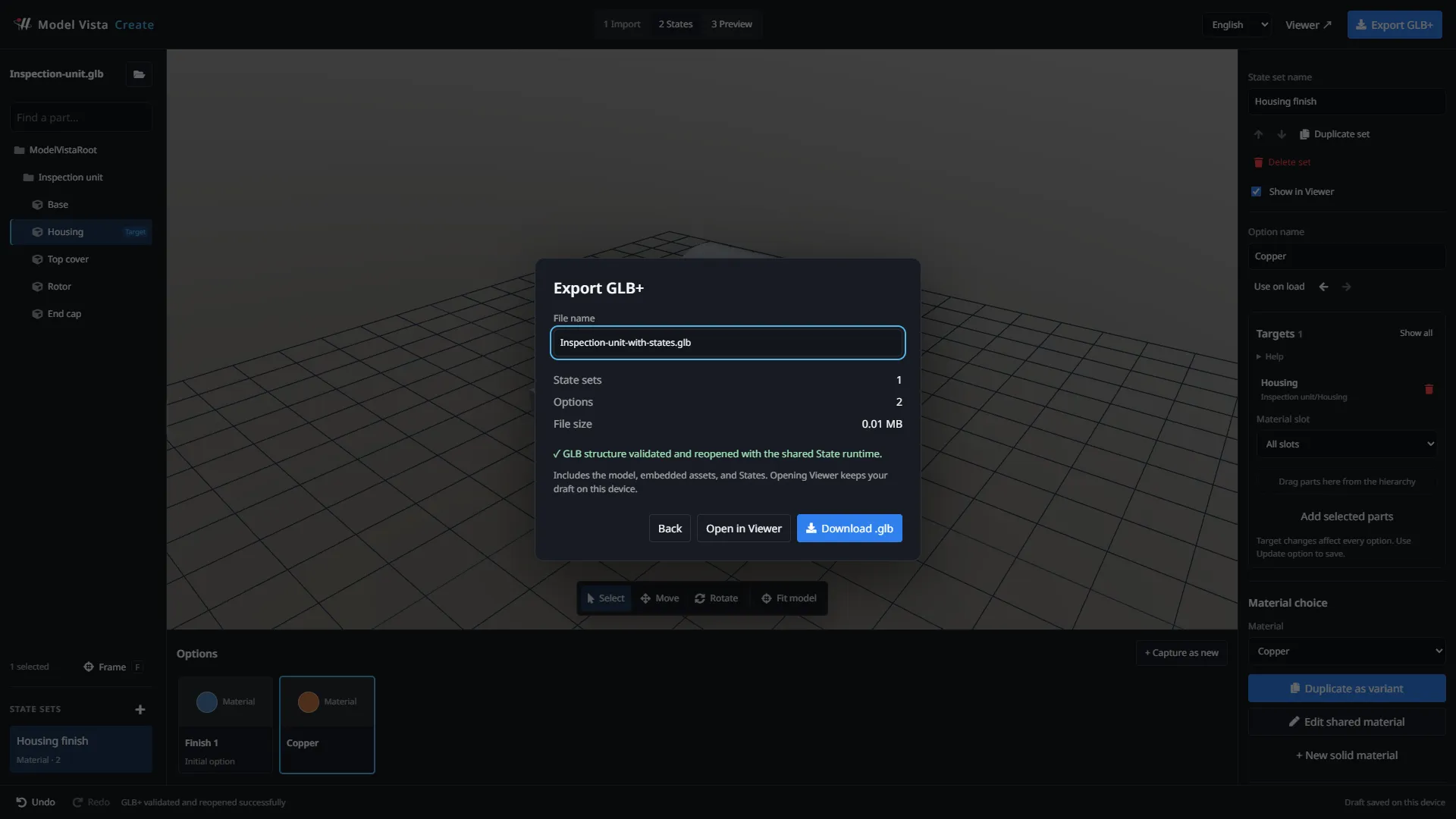
The download contains the model, embedded assets, and Model Vista configuration data. GLB+ uses the .glb extension; it is not a separate file format selected in the browser.
For a GLB import, export patches the original file and retains its geometry, textures, and unrelated extension data. FBX imports export the GLB created by the conversion step.
If validation fails, return to authoring and correct missing or ambiguous targets, invalid values, and broken Group references before exporting again.
Open the export in Viewer
Section titled “Open the export in Viewer”Open in Viewer saves the committed draft locally, transfers the export, and opens Viewer in the same tab. This requires working local browser storage and the same site origin.
The transfer is temporary: Viewer consumes it once, and an unused transfer expires after 24 hours. It is not a shareable link or a backup. Download the GLB+ when you need a file to keep or share.
If transfer storage is unavailable, use Download .glb and open that file directly.
