
Unity package
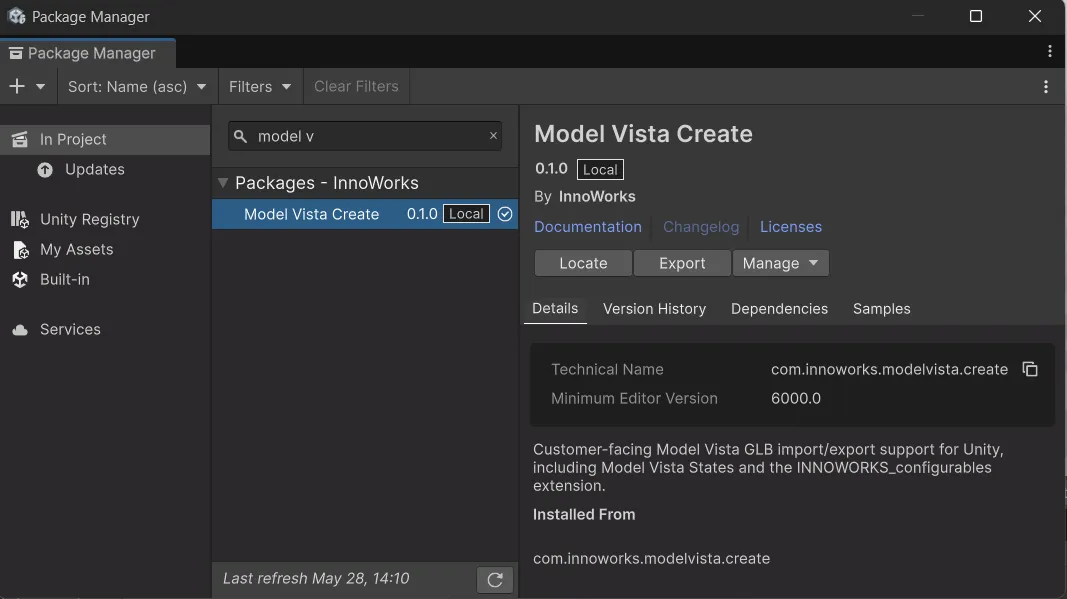
The Model Vista Create Unity Package 0.1.0 adds Model Vista States authoring, GLB+ import/export, and supporting asset workflows to Unity 6 projects.
Quick start
Section titled “Quick start”- Install Model Vista Create in the target Unity project.
- Add or configure Model Vista States on a prefab or scene object.
- Select one or more prefab assets or scene GameObjects.
- Export using one of these entry points:
- Select Export GLB+ in the Model Vista Scene View overlay for the default Draco-compressed glTFast export.
- Select InnoWorks > Create > Export GLB+ via glTFast (Draco compression).
- Select InnoWorks > Create > Export GLB+ via glTFast when uncompressed mesh data is required.
- Choose a
.glbpath for one selection, or a destination folder for multiple selections. - Test the exported content with InnoWorks > Create > Import GLB+ as Prefab. Choose Extract Images or Keep Unity Assets when prompted about embedded textures.
- Open InnoWorks > State Manager for a scene-wide or Prefab Stage view of Model Vista States.
Model Vista is an INNOWORKS product.