
Model Vista Manager
Open InnoWorks > State Manager to inspect and author Model Vista States across the current scene or Prefab Stage.
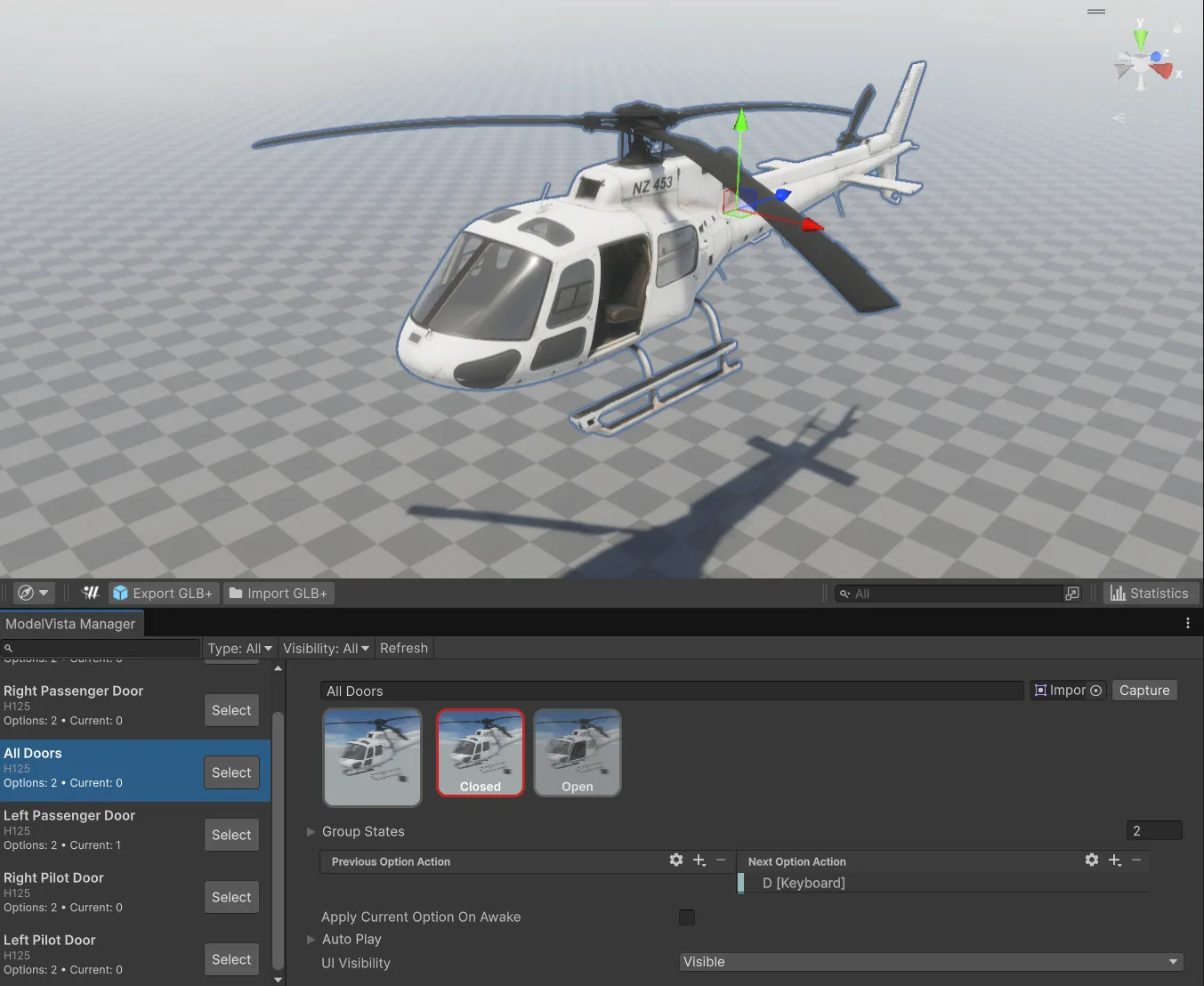
The manager provides:
- Search by configurable name.
- Type filtering generated from the State component types found in the current context, including Shader and Light States when present.
- Visibility filtering for Visible and Hidden UI states.
- A selectable list of containers with option counts and missing-data status.
- A detail panel that uses the selected container’s current custom inspector for authoring.
- A selection action for locating the owning GameObject.
The window scans inactive objects in open scenes and the current Prefab Stage. Refresh the window after opening or closing scenes, changing Prefab Stage, or adding States through another inspector.
Model Vista is an INNOWORKS product.