
Model Vista Web
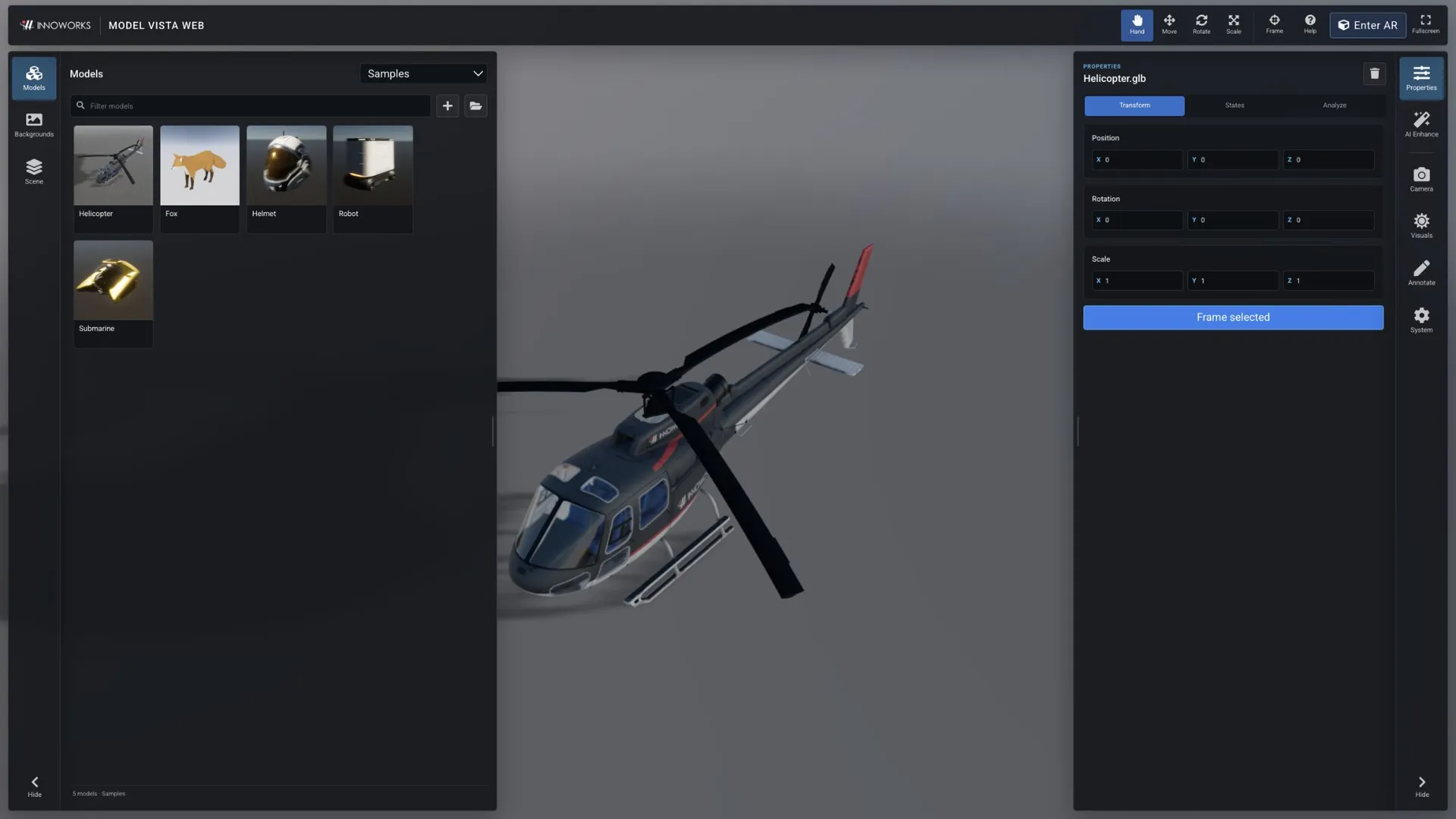
Model Vista Web is a browser-based viewer for Model Vista GLB+ assets and standard glTF content. Use the live application to load models, apply Model Vista States, inspect validation results, adjust presentation settings, view a scene in marker-based augmented reality, add on-screen annotations, and create AI-enhanced images.
What you can do
Section titled “What you can do”- Open bundled samples or local
.glb,.gltf, and.fbxfiles. - Link local model and HDR background folders as reusable browser libraries.
- Arrange multiple models in a scene with move, rotate, and scale tools.
- Apply compatible Model Vista States and glTF material variants.
- Review mesh and triangle statistics and run the integrated glTF Validator.
- Choose perspective or orthographic projection and tune lighting, exposure, tone mapping, and the ground plane.
- Place the loaded scene in marker-based augmented reality using a device camera.
- Draw temporary annotations over the 3D view.
- Send the current view to AI Enhance and reuse or download the generated image.
Start here
Section titled “Start here”- Open the viewer and load a model.
- Learn the interface and controls.
- Arrange models, apply States, and inspect a file.
- Adjust the camera and visuals.
- View the scene in marker-based augmented reality.
- Use annotations and AI Enhance.
- Manage local libraries and saved settings.
For format support, browser limitations, and common recovery steps, see compatibility and troubleshooting.
Embed a model on your website
Section titled “Embed a model on your website”Use the hosted viewer for product demos and GLB+ configurators. Follow Embed a model on your website to load your URL, style the controls, and copy the iframe code.
Model Vista is an INNOWORKS product.