
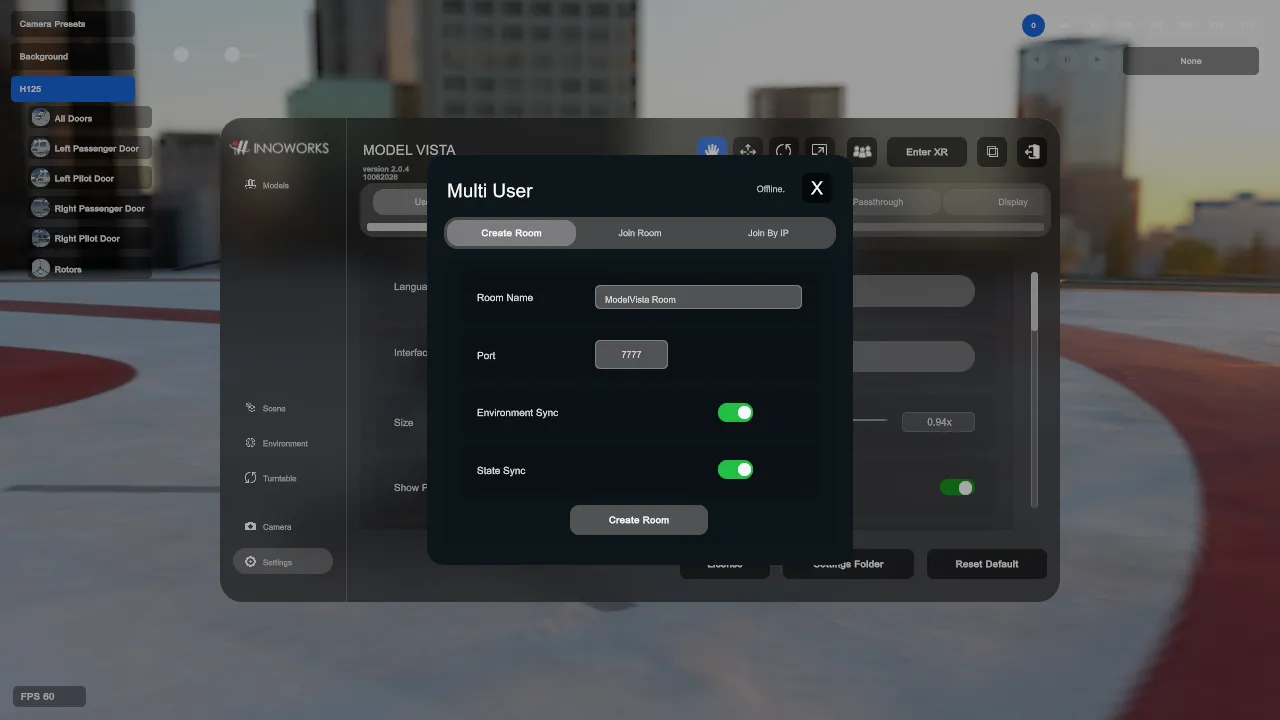
Multi User
Use Multi User from the top bar for local network review rooms.
Create Room
Section titled “Create Room”- Set Room Name and Port, default
7777. - Environment Sync is enabled by default and synchronizes the active environment and supported environment settings.
- State Sync is enabled by default and synchronizes supported Model Vista States for loaded content.
- Click Create Room to host.
Join Room
Section titled “Join Room”- Use Search to discover local rooms over UDP discovery port
47777. - Select a room and click Join Room.
- Use Join By IP with host IP and port when discovery is blocked.
- Use Disconnect before creating or joining a different room.
- Joining a room may remove local models from the joining device before connecting, so the room state can be synchronized from the host.
- Firewall policy must allow the room port and, for discovery, UDP
47777. - Multi User identity is configured from Settings > Multi User.
Model Vista is an INNOWORKS product.