
XR Alignment Presets
The XR Alignment Mode toggle and XR Alignment Presets dropdown are on the Camera page.
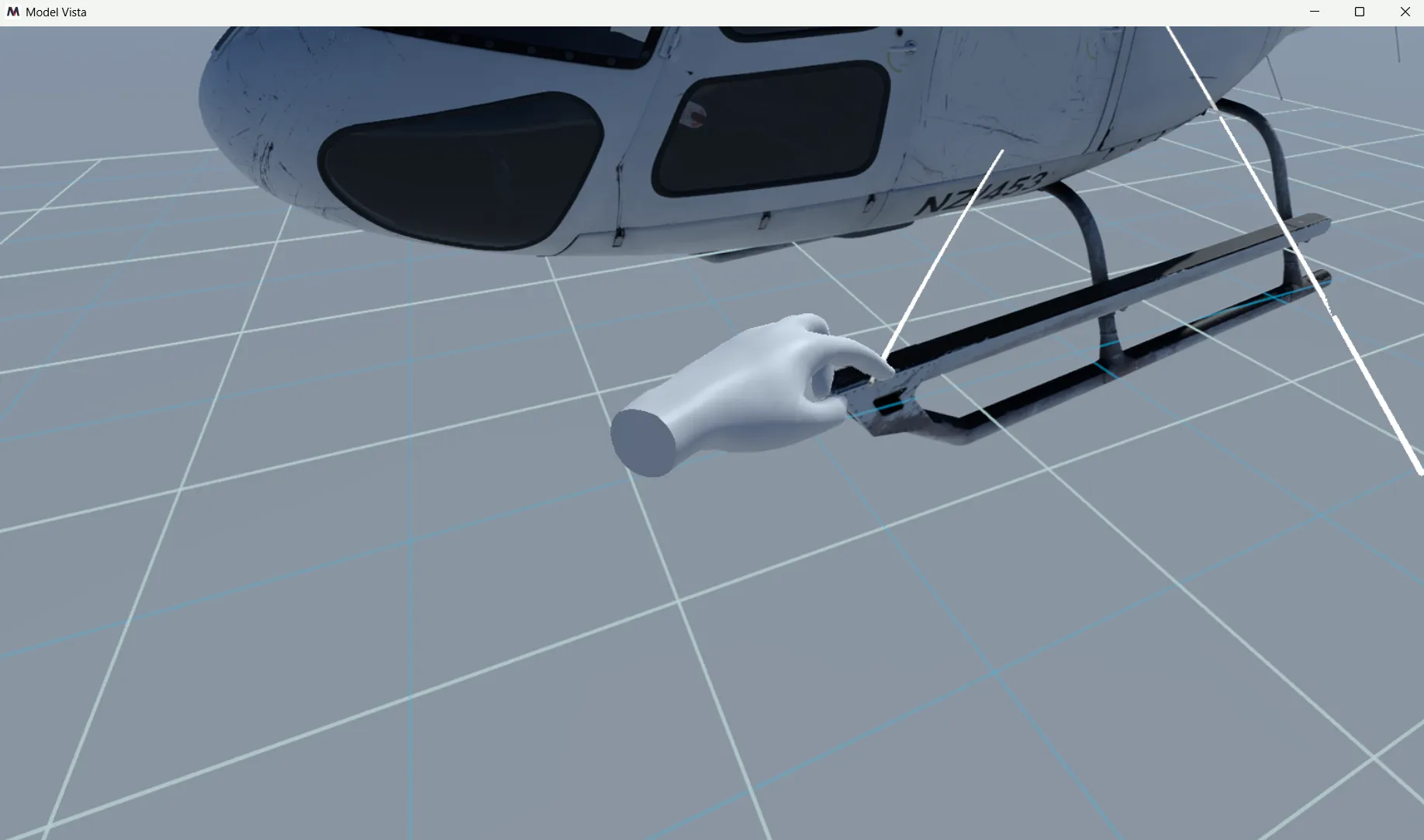
- Left controller stick click toggles XR Alignment Mode while in XR.
- Turn alignment mode on to adjust the runtime content root relative to the player.
- Select Default to reset XR alignment to the default pose.
- When the adjusted pose no longer matches a saved preset, the dropdown shows Custom.
- Use the options button beside XR Alignment Presets to save changes, save as new, rename, duplicate, or delete saved presets.
- The Default preset cannot be edited or deleted.
- Presets persist in
Settings/ModelVistaXrAlignmentPresets.json. - Settings > XR Passthrough > Use Spatial Data When Available lets supported runtimes use spatial plane/anchor data for alignment and mixed-reality shadow stability.
Model Vista is an INNOWORKS product.